Email tests that wait, not sleep
Your test waits for the email, gets its one-time code and sign-in link, and carries on. Wait for a person's reply the same way, skip days ahead when a test needs time to pass, and watch every run in the dashboard.
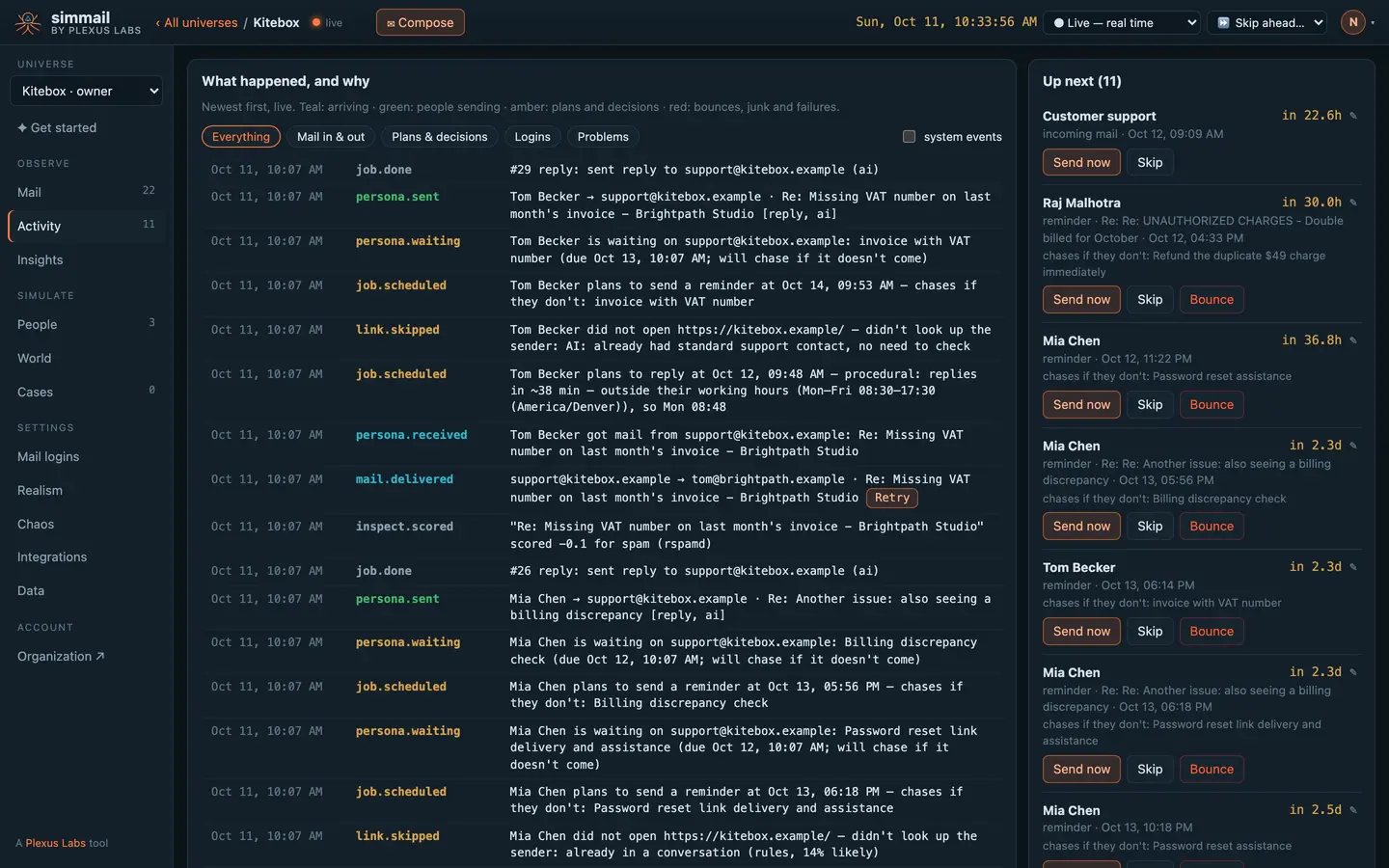
Codes and magic links, already pulled out
One call holds open until the email arrives, for up to five minutes, then returns it with every link, any one-time code, and the verify, reset or sign-in links. No polling, no sleeps.
Wait for a person's reply in a thread the same way. If they decide not to answer, the wait says so at once instead of timing out.
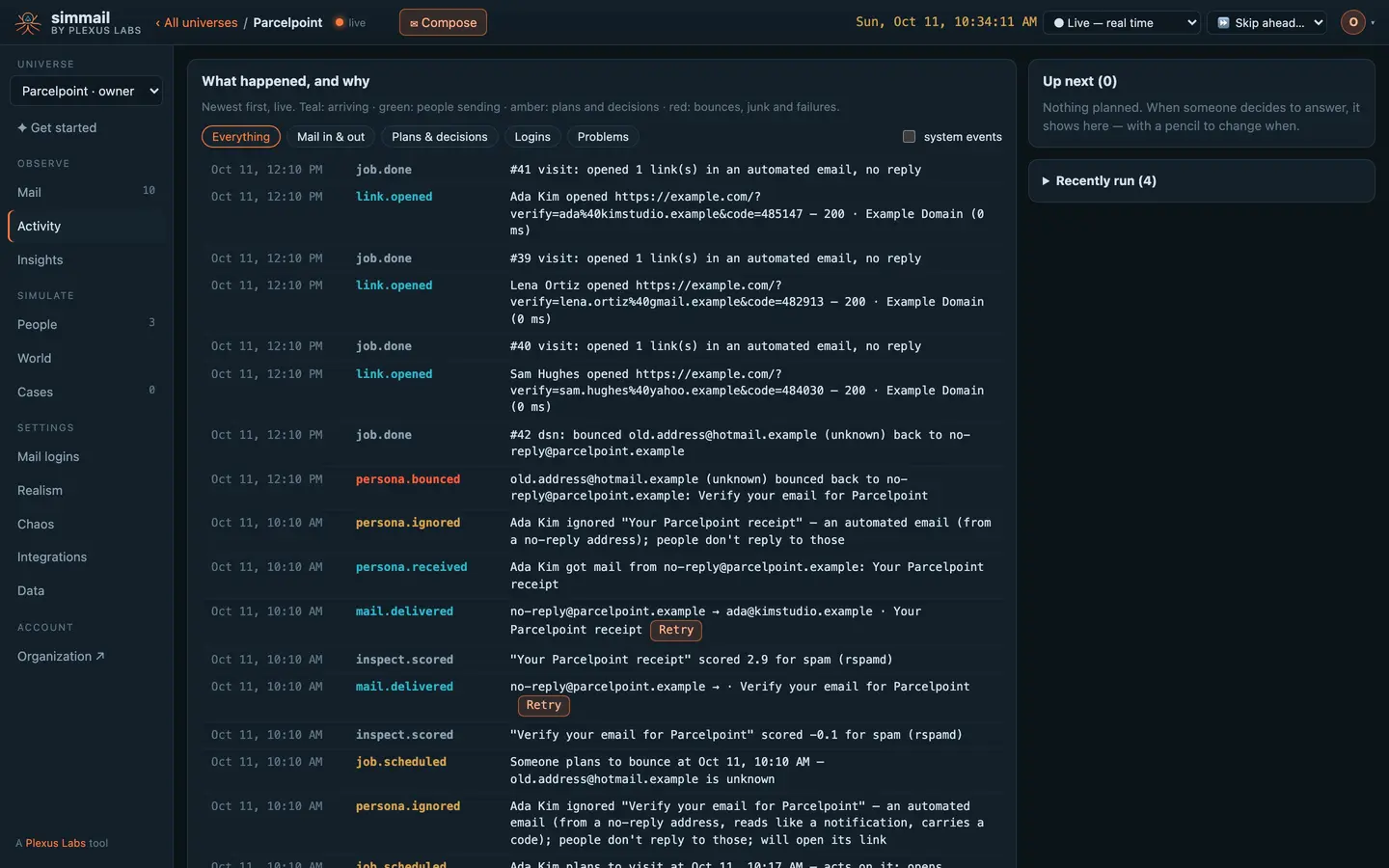
Live through a week in seconds
Each universe has its own clock. Run it live, faster or frozen, or skip ahead. Everything that falls due on the way runs in order: replies, kept promises, reminders and inbound mail.
Most tests never touch it. Move it when you test what happens over time: a promise that slips, a follow-up two days later.
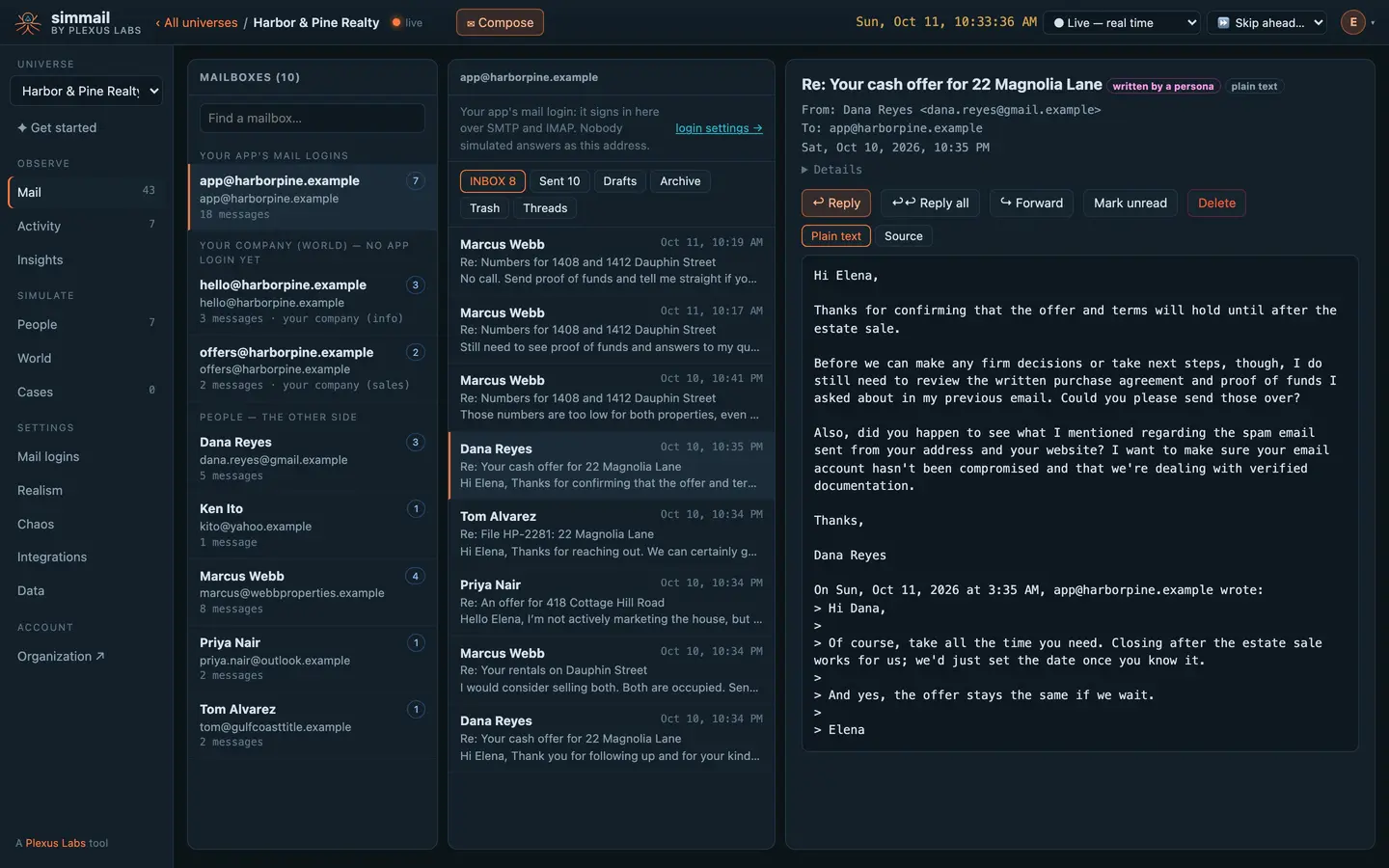
Nothing to run inside the job
Your app sends to simmail over SMTP; your tests wait over HTTPS. Give CI its own universe and key, and store them as secrets.
- SDKs for JavaScript and Python
@plexuslabs/simmailandsimmail. - Quiet throwaway addresses Turn strangers off for your test domain so sign-up tests do not create people.
- Events as they happen Server-Sent Events or signed webhooks.
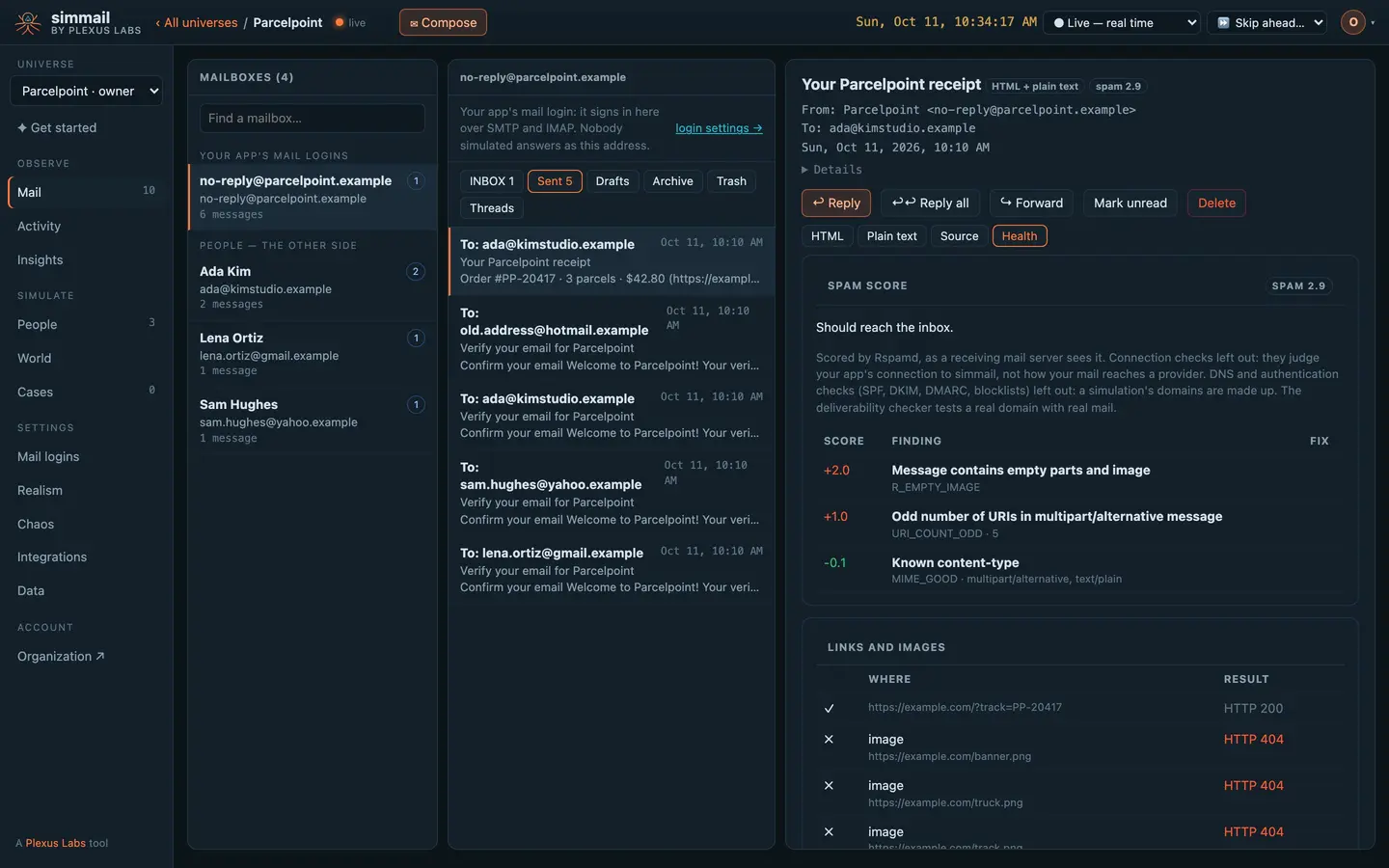
A sign-up test in a dozen lines
</> For developers: tests, waits and the clock
import { test, expect } from "@playwright/test";
import { Simmail } from "@plexuslabs/simmail";

const mail = new Simmail(); // reads SIMMAIL_URL and SIMMAIL_API_KEY

test("new users can verify their email", async ({ page }) => {
  const email = `user-${Date.now()}@yourcompany.test`;
  await page.goto("/signup");
  await page.fill("#email", email);

  const waiting = mail.waitForEmail({ to: email, subject: "verify", timeout: 20000 });
  await page.click("text=Create account");
  const msg = await waiting;

  expect(msg.codes).toHaveLength(1);
  await page.fill("#code", msg.codes[0]); // or: await page.goto(msg.magic_links[0])
});
import time
from simmail import Simmail
mail = Simmail()
def test_password_reset(client):
email = f"user-{int(time.time())}@yourcompany.test"
client.post("/signup", data={"email": email, "password": "pw-123456789"})
client.post("/forgot-password", data={"email": email})
msg = mail.wait_for_email(email, subject="reset", existing=True, timeout=20)
assert msg["magic_links"], msg["text"]curl -s -G https://c1.simmail.dev/api/wait \
-H "Authorization: Bearer smk_your_key" \
--data-urlencode "[email protected]" \
--data-urlencode "subject=verify" \
--data-urlencode "timeout=20s"{
"address": "[email protected]",
"folder": "INBOX",
"message_id": "<[email protected]>",
"from": "[email protected]",
"subject": "Verify your email",
"text": "Your verification code is 482913.\n\nOr click https://app.yourcompany.test/verify?token=abc123",
"links": ["https://app.yourcompany.test/verify?token=abc123"],
"codes": ["482913"],
"magic_links": ["https://app.yourcompany.test/verify?token=abc123"]
}const sent = await mail.send({
from: "[email protected]",
to: ["[email protected]"],
subject: "Offer",
text: "Would you take 165k?",
});
const reply = await mail.waitForReply({ from: "[email protected]", inReplyTo: sent.message_id });
console.log(reply.text);curl -s -G https://c1.simmail.dev/api/wait/reply \
-H "Authorization: Bearer smk_your_key" \
--data-urlencode "[email protected]" \
--data-urlencode "in_reply_to=<[email protected]>" \
--data-urlencode "fast=true"curl -s -X POST https://c1.simmail.dev/api/clock/advance \
-H "Authorization: Bearer smk_your_key" \
-H "Content-Type: application/json" \
-d '{"duration": "1d"}'{
"clock": { "now": "2026-10-11T09:12:00Z", "speed": 1, "frozen": false, "real": "2026-10-10T09:12:00Z" },
"jobs_run": 4
}# .github/workflows/email-tests.yml
name: Email tests
on: [push, pull_request]
jobs:
email:
runs-on: ubuntu-latest
env:
SIMMAIL_URL: https://c1.simmail.dev
SIMMAIL_API_KEY: ${{ secrets.SIMMAIL_API_KEY }}
SMTP_HOST: c1.simmail.dev
SMTP_PORT: "2525"
SMTP_USER: ${{ secrets.SMTP_USER }}
SMTP_PASS: ${{ secrets.SMTP_PASS }}
TEST_RUN: ${{ github.run_id }}-${{ github.run_attempt }}
steps:
- uses: actions/checkout@v4
- uses: actions/setup-node@v4
with:
node-version: 20
- run: npm ci
- run: npx playwright install --with-deps chromium
- run: npx playwright testcurl -s https://c1.simmail.dev/api/recipients -H "Authorization: Bearer $ADMIN_KEY" \
| jq '.domains["yourcompany.test"] = {"create": true, "stranger": "off"}' \
| curl -s -X PUT https://c1.simmail.dev/api/recipients \
-H "Authorization: Bearer $ADMIN_KEY" -H "Content-Type: application/json" -d @-Questions
Do my tests have to poll?
No. GET /api/wait holds the request open until a matching email arrives, for up to five minutes, then returns it. Give your HTTP client a timeout a little longer than the wait’s.
The email was sent before my wait started. Is it lost?
No. By default a wait only sees mail that arrives after it starts, so start it before the click that sends. Or pass existing=true (existing: true in the SDKs) and narrow it with subject or contains.
What is the difference between 408 and 409 on a reply wait?
408: nothing arrived before the timeout. 409, with fast=true: the person sat down to write and decided not to reply, and nothing else is planned, so waiting longer would not help. People do that; set timing.reply_rate to 1 when a test needs an answer.
Can parallel CI runs share a universe?
Yes. Put the run id in every address your tests create so one run never catches another’s email. Keep CI in its own universe so its clock jumps and test people never touch Staging.
Our sign-up tests create thousands of addresses. Will they all become people?
Only if you let them. Turn strangers off for your test domain in the recipient rules: mail still lands in a mailbox, so waits work, but nobody answers and no people or AI actions are used.
Put real behaviour between your app and its inbox
Start free with 25 AI actions a month, no card needed. Upgrade when you need more.